10:14 SIEMENS WINBSL Simovert Masterdrives VP Firmware-Distribution V3.42.01 | |
WINBSL_vpv34201.zip - updates firmware of CUVC Kompakt+ MASTERDRIVES VC (compact PLUS): firmware hotfix V3.42.01 4 languages + italian
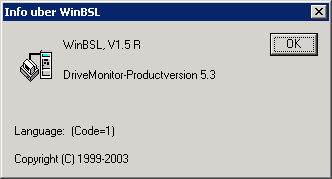
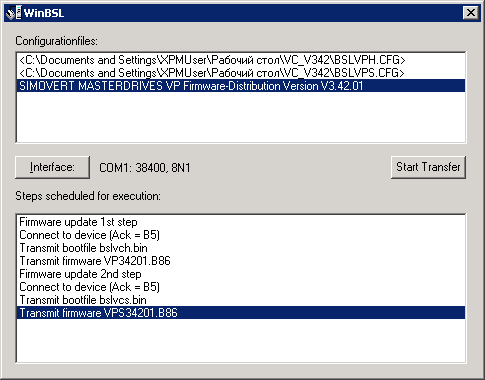
How to load firmware into the CUVC 1. Make directory C:\VCBOOT (MD VCBOOT) 2. Connect the CUVC and your PC with a cable described in the compendium chapter 7.3.1. The cable for MC firmware download can be used for CUVC, too. 3. Switch on the power supply for the MASTER DRIVES. The PMU must display ONE 'E'. 4. Start the batch file 'bslvc.bat' in the temporary directory. For Win2000 start WinBsl.exe. 5. After a successful download the PMU displays 'o000'. 6. Please use the Compendium supplied with the firmware Version. Note: If a firmware update is carried out via a USB-RS232 converter, then a lower baud rate can be required. Schematic of cable PC MASTER DRIVES | |
|
| |
| Всего комментариев: 0 | |